Uncensored AI Video Generator: Script a Scene for Your Adult OCs
Describe a scene with your own adult characters and Spicy UNCENSORED Video, SpicyHub AI’s 18+ model on Wan 3.0, renders it from the words alone: 2 to 30 seconds in 480p, 720p or 1080p, with a soundtrack generated for the picture at no extra charge. A still of the character is optional; add one when the clip has to match earlier work.
Each second is billed by resolution (8 credits at 480p, 15 at 720p, 29 at 1080p) with a floor of 30 per clip, and the lab prices every run before it starts. Everyone on screen must be an adult you made up. While SpicyHub AI is in beta, new accounts get 50 credits for any model; a 3-second test at 480p uses 30 of them.
Adults 18+ only. Every character you make has to be an adult: one you invented, or a real adult who agreed to it. Minors are never allowed, in any art style. The Terms of Service set out the full rules.
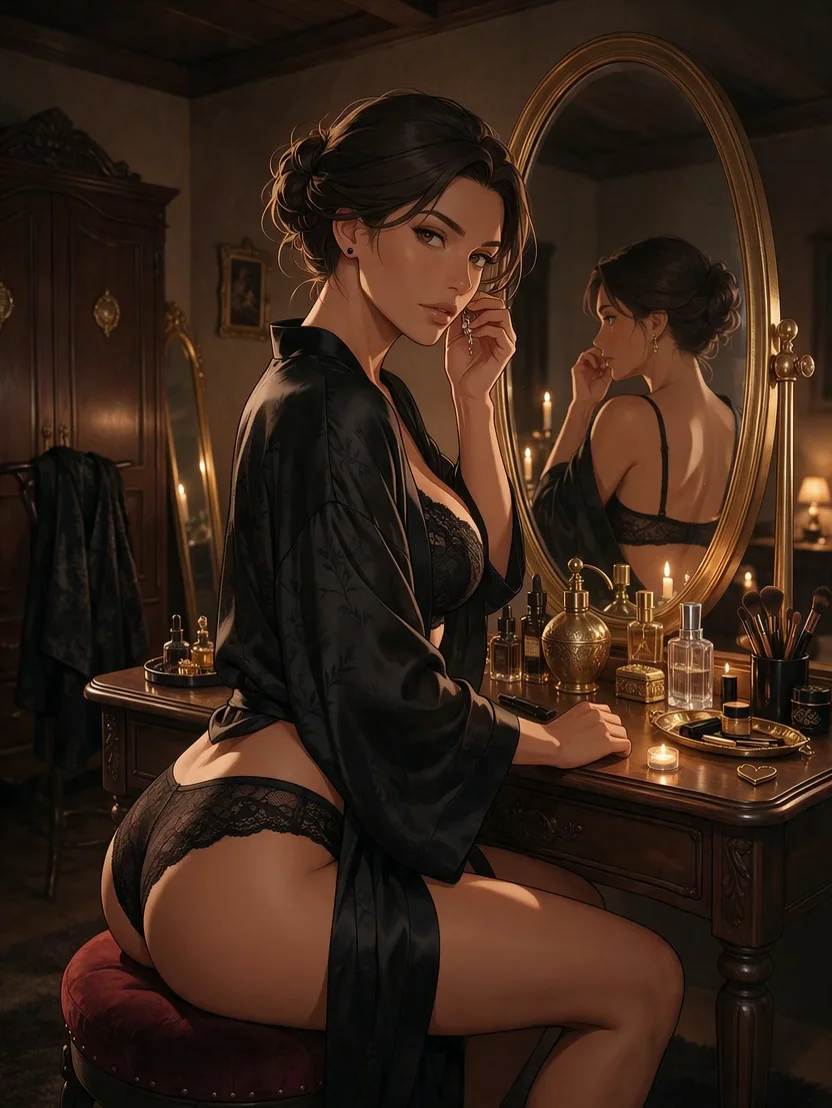
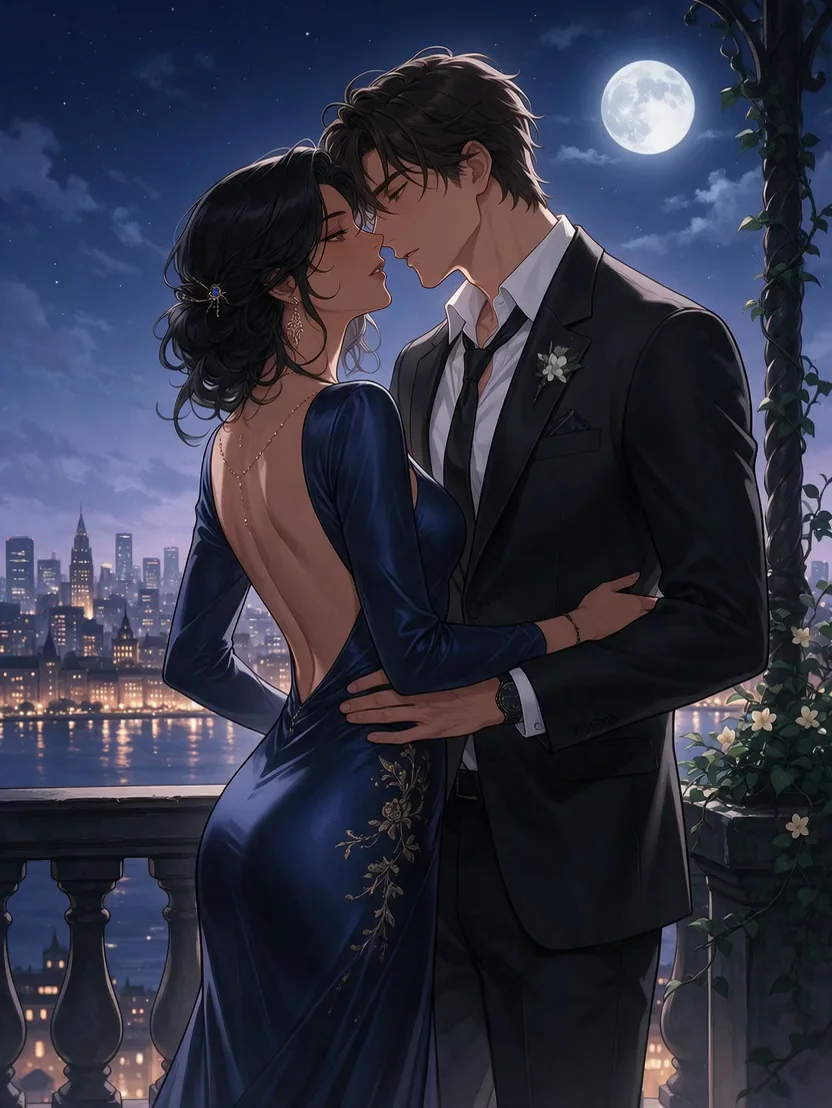
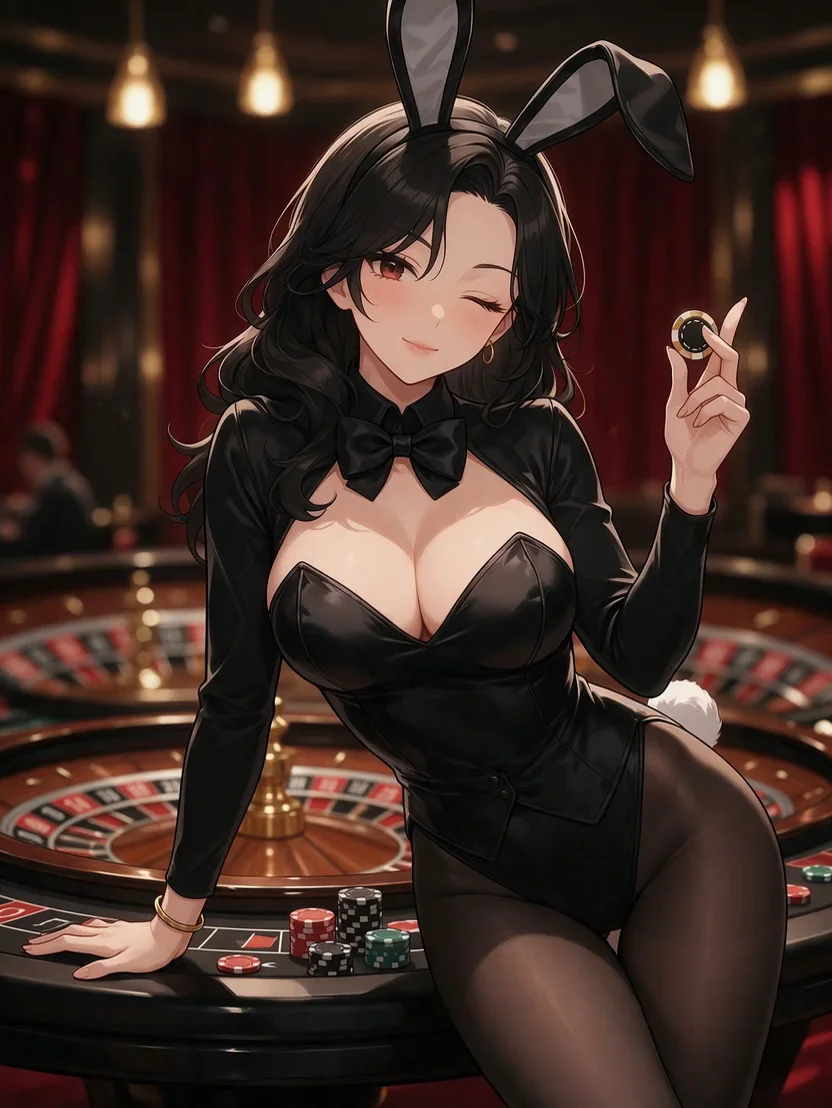
Examples from our spicy templates
Browse all templates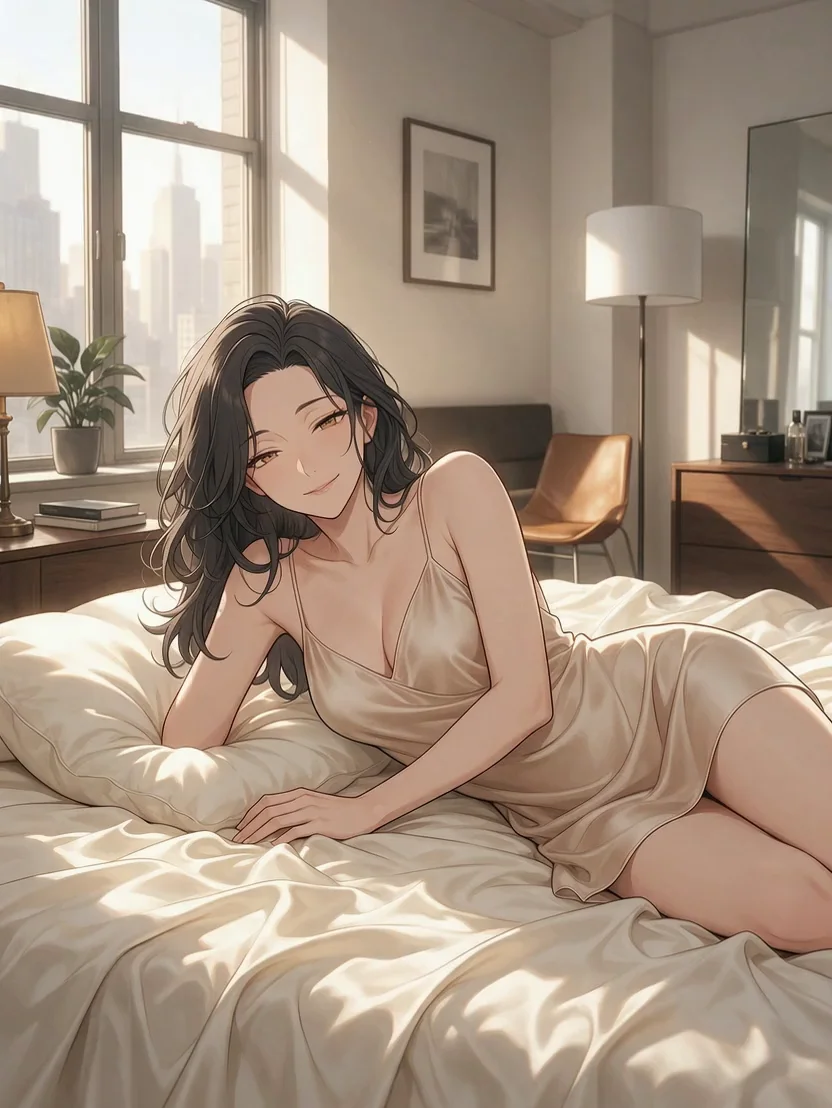
Build the prompt in three passes
With no picture to work from, the prompt carries the whole scene, and SpicyHub AI passes it on exactly as you wrote it, adding nothing. There is room for 20,000 characters, so length is never the limit; gaps are. Rather than writing everything at once, grow the prompt in layers, checking the first two on a 3-second run at 480p (30 credits each):
- Pass 1, the logline. Who is in the scene, each with a name and an adult age, where it happens and the one thing that happens. Run it and check that the characters and the place come out the way you meant.
- Pass 2, the direction. Add the framing and camera move, the light source and the time of day. If more than one thing happens, number the beats so the order is clear.
- Pass 3, sound and timing. Say what should be heard, set the final length, and run it once at full length in 480p to see whether the beats land in time. Then render the keeper at a higher resolution.
One prompt as it grows through the passes:
Pass 1: “Nadia, 35, a tattooed mechanic in oil-streaked overalls, finishes a late job in her garage, unzips the overalls to the waist and knots the sleeves around her hips.”
Pass 2, added after the logline: “… Low angle from the workbench, slow push-in. One bare bulb swaying overhead, the street dark beyond the open shutter. (1) She drops the wrench into the toolbox; (2) she unzips the overalls and knots the sleeves; (3) she leans on the car and looks into the lens.”
Pass 3, added last: “… Audio: an old radio playing soul, the wrench clanging into the metal box, a dog barking somewhere down the street.” The length goes in the Duration slider, not in the prompt.
Prefer a head start? The spicy templates gallery has tested clip prompts, each next to the clip it made; swap in your own characters and run it.
Putting two characters in one clip
Pairings are where text-to-video gets least predictable, so leave the model fewer decisions to make:
- Introduce both before any action. A name, an adult age and one or two visual anchors each, such as hair colour or a key piece of clothing.
- Keep using the names. “She” and “he” blur once two people share the frame; names keep each action attached to the right character.
- Let one move at a time. One acts, the other reacts, in numbered beats, rather than both doing something at once.
- Keep contact simple. A hand on a shoulder, foreheads touching, an embrace: slow, single gestures render more cleanly than tangled poses.
Example, 12 s at 720p: “Nadia, 35, tattooed, black tank top; Theo, 38, rolled-up denim shirt, wire glasses. Her garage, late at night, one bulb overhead. (1) Theo leans in the open shutter holding two coffees; (2) Nadia wipes her hands, takes one and tugs him inside by his collar; (3) they lean against the car, shoulders touching, and she laughs at something he says. Medium shot, slow arc from left to right. Audio: the radio turned low, cups clinking, a moped passing outside.”
When a pairing has to look the same in every clip, make a still of the two together and open each clip on it; the image-to-video guide shows how.
Length, frame shape and resolution
One render runs from 2 to 30 seconds. Give every beat a few seconds of its own: a short clip holds one action, while a long one needs its beats written out, or the model pads the time with aimless movement. Each extra second is billed, so let the scene set the length.
- Resolution: keep 480p for checking the wording; most finished clips look fine at 720p; 1080p earns its higher rate on close-ups and fine textures. Per second that is 8, 15 and 29 credits.
| Where it plays | Shape |
|---|---|
| Phones, stories and vertical feeds | 9:16 |
| Desktop players and widescreen | 16:9, which a text-only clip also gets when the setting is left on adaptive |
| Square feed posts and gallery grids | 1:1 |
| Galleries with slightly tall or wide frames | 3:4 or 4:3 |
| Model | Length | 480p | 720p | 1080p |
|---|---|---|---|---|
| Spicy UNCENSORED Video (Wan 3.0) | 4 s | 32 | 60 | 116 |
| Spicy UNCENSORED Video (Wan 3.0) | 5 s | 40 | 75 | 145 |
| Spicy UNCENSORED Video (Wan 3.0) | 10 s | 80 | 150 | 290 |
| Spicy UNCENSORED Video (Wan 3.0) | 30 s | 240 | 450 | 870 |
| HappyHorse 1.1 | 3 s | — | 60 | 78 |
| HappyHorse 1.1 | 5 s | — | 100 | 130 |
| HappyHorse 1.1 | 10 s | — | 200 | 260 |
| HappyHorse 1.1 | 15 s | — | 300 | 390 |
Every render is a fresh take, so budget for it
Running the same prompt again, even at a higher resolution, gives a different clip rather than a sharper copy of the one you liked. The cheap runs are for finding wording that keeps producing what you want, not for chasing one lucky take.
For the 12-second pairing above, the three passes cost this: two 3-second checks at 480p (60 credits), one full-length run at 480p (96) and the keeper at 720p (180), 336 credits in all. The keeper alone at 1080p would be 348.
Text-only takes also vary the faces from run to run. Once a character is settled, make a still of them and open later clips on it, so every take starts from the same face and outfit.
Why other models in Video Lab refuse adult scenes
Video Lab also offers standard models such as Kling 3.0, Seedance 2.5 and Veo 3.1. They follow their makers’ content rules, so adult prompts are turned down there. When that happens, the failed result shows a Switch to Spicy button that reopens the request, prompt included, on an 18+ model.
Spicy UNCENSORED Video and HappyHorse 1.1 are SpicyHub AI’s 18+ video models, and HappyHorse 1.1 needs a still to start from, so a scene written from nothing goes to Spicy UNCENSORED Video. How each model family treats adult work: Kling, Seedance, Veo and Sora, or the whole list in which AI models allow NSFW.
Questions people ask
What does “uncensored” mean on SpicyHub AI?
That adult themes are not filtered out on the 18+ models: nudity, intimacy and explicit scenes are allowed when every character is an adult you invented. Some limits apply everywhere: an automatic check blocks any prompt that sets sexual content beside anything suggesting someone under 18, and the Terms rule out sexual violence, non-consent and characters you don’t hold the rights to.
Can I choose the music or upload my own audio?
There is no audio upload. Name the sounds in the prompt, such as a radio, footsteps, a crowd or a slow guitar, and the model generates them with the picture. For a silent clip, switch audio off; the price stays the same.
Will the same prompt give me the same clip twice?
No. Each run is a new take even with identical settings, and there is no seed to fix. To keep a character consistent, make a still of them and open every clip on it.
How much video do the free credits buy?
During the beta, new accounts get 50 credits for any model. On Spicy UNCENSORED Video that is a clip of up to 6 seconds at 480p or up to 3 seconds at 720p. Packs and plans are under Pricing; payments open soon.
How many characters can share one clip?
There is no fixed cap, but every extra person makes the result less predictable. Two is a practical limit for a clip that should work within a few tries: name each one, give each an adult age, and write who does what in numbered beats.
Why was my prompt refused?
Before rendering, an automatic check reads each prompt. It stops wording that hints at anyone under 18 alongside adult content, even inside a “not” phrase, and a few kinds of extreme content. Rewrite with names and adult ages. Anything else the Terms forbid, such as non-consent, stays forbidden even when a prompt gets past the check.
SpicyHub AI’s 18+ rules in brief
- You need to be an adult under your own country’s law, never under 18, and the content has to be legal where you are.
- Every character is an adult, both by stated age and by how they look. Drawn and animated characters follow the same rule as photos.
- No sexual content involving a minor or a character who could pass for one. Accounts that try are closed and reported to the authorities.
- A recognizable real person appears only with their documented consent. That rules out celebrities, creators, coworkers and former partners. In a character swap, no real person goes in as the character, you included.
- No sexual violence, no lack of consent and no bestiality, even as fiction.
- Existing characters from anime, manga, games and film are someone else’s property, so create your own.
- Your results stay private to your account until you share them. What you post elsewhere is yours to answer for, under the law and that site’s rules.
A short version only. The binding rules are in the Terms of Service.
Related tools and guides
During the beta, signing up adds 50 free credits that work on any model: 8 drafts on Wan 2.7 Image, say, or a 480p clip with sound up to 6 seconds long. Room to test a character before you decide anything.
Last updated